
Security evidence without a second archive of customer conversations
A security tool that stores every prompt becomes the most attractive target in your stack. How Koreshield keeps decision evidence while minimising what it holds.
Evidence, not a transcript archive
When something goes wrong with an AI support agent, most teams can produce an incident summary. Few can produce evidence. But a security tool that keeps every prompt to provide that evidence becomes the most attractive target in the stack.
Koreshield's default is to keep only what is needed to explain a decision: content hash, a bounded summary, structured indicators, mode, decision, confidence, key, workspace and time. Retrieved-context evidence stores hashes and bounded locations, not excerpts or document metadata. Action evidence stores a canonical hash of the arguments, not the arguments themselves. Application logs follow the same rule: request IDs, counts and timings, never prompts or tool arguments.
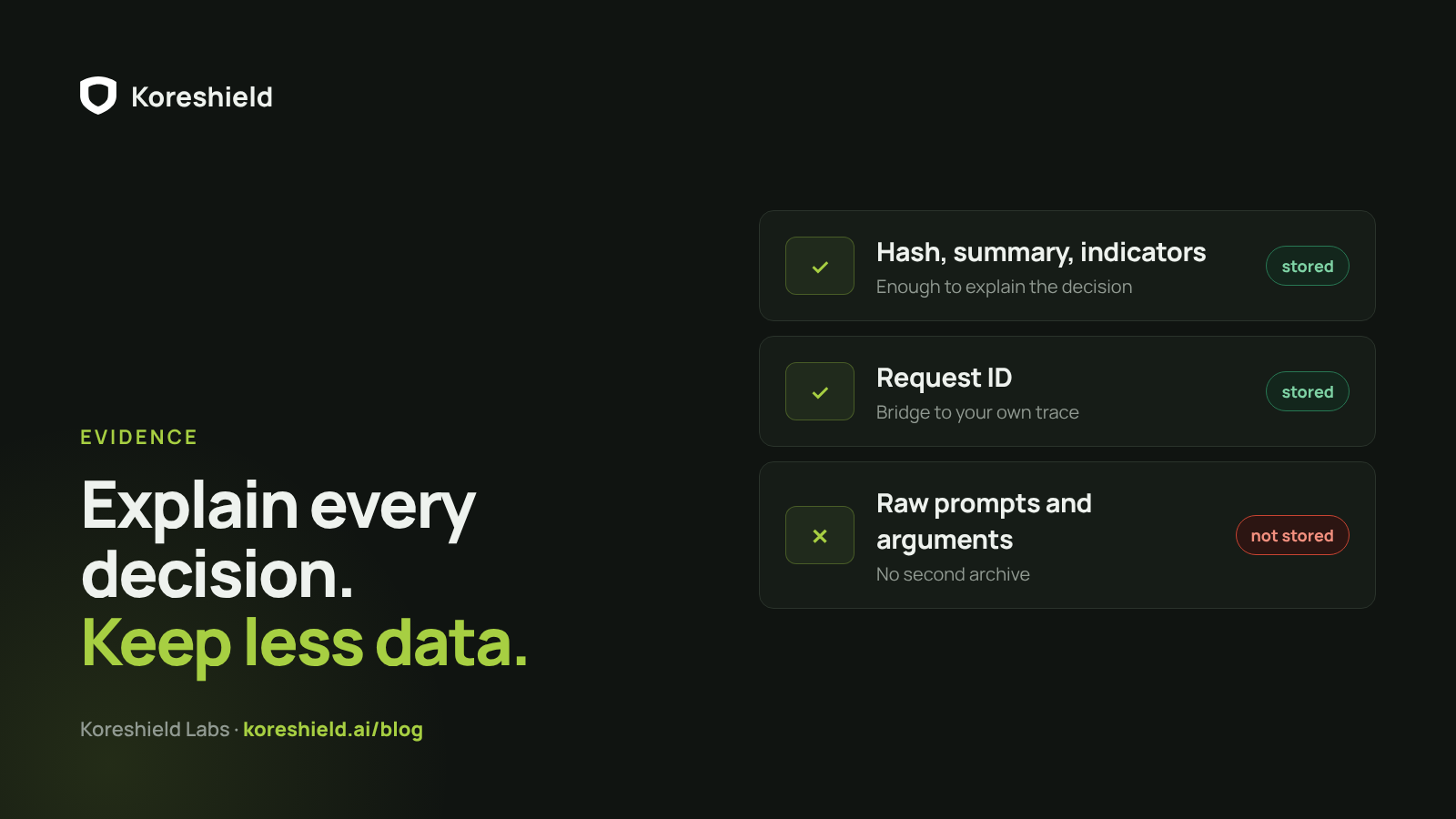
When someone needs to read the message
Sometimes an operator does need the exact message that triggered an alert. Koreshield supports that deliberately and visibly.
- Hash-only stays the default.
- Only a workspace owner can enable encrypted review content.
- The exact scan payload is encrypted before the event is written, bound to that workspace and event.
- Plaintext is returned only on the single-event detail view, to a key with evidence access.
- Every read is recorded in the data-lifecycle audit, while lists, dashboards, alerts and CSV exports keep using minimized evidence.
Redact before it reaches your own logs
Support transcripts are often the least protected data a company has. They contain emails, phone numbers, order details and the occasional pasted password, and they get copied into logs, analytics and debugging tools.
Koreshield's redact endpoint replaces secrets and personal data in any text with typed placeholders such as [EMAIL_1], so the shape of the conversation survives without the sensitive parts. Run it before a transcript lands in your own logs.
Give each key one job
API keys are scoped: scan, evidence, policy, keys or full management. They are stored as a hash plus prefix, and the raw key is shown once at creation. A scan-only key, the one that lives in the support app, cannot read dashboard evidence, change policies or mint new keys, so a leak has a small blast radius.
Keep that key on the server. A variable starting with NEXT_PUBLIC_, VITE_ or PUBLIC_ is shipped to every browser that loads the page; Koreshield calls belong in server code, never in browser JavaScript or a mobile client.
What your application should keep
Less than most teams expect. Not the raw prompt, the retrieved documents or the tool arguments; those do not need a second home in your logs just because a security check ran. The request ID is the bridge between your trace and the evidence in the Koreshield console. Keep:
- Your own trace ID.
- The Koreshield request ID.
- The boundary and the decision.
- What the operator did next.