
Securing what the model says: leaks, canaries and image-link exfiltration
Most AI security stops at the prompt. The reply can leak the system prompt, echo a secret, or carry data out through a link. Treat model output as untrusted input.
The reply is also untrusted
Model output is shaped by everything in the context window: the customer's message, retrieved documents and earlier turns. If any of that was hostile, the reply may reflect it. In practice that means a support answer can reveal its own instructions, repeat a secret it saw, or include a link that quietly sends data elsewhere.
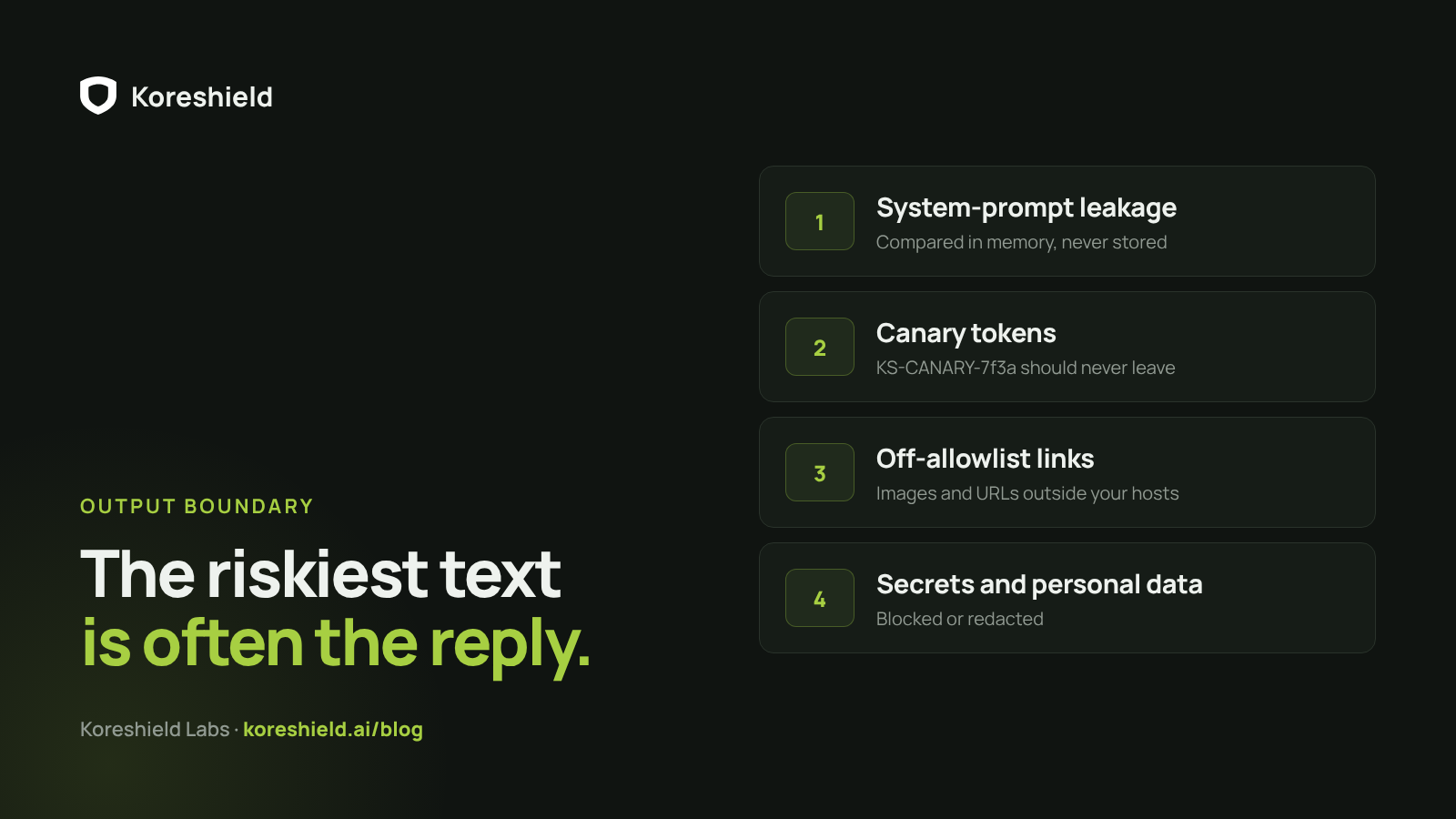
Koreshield checks output before it reaches the customer or another tool. If a reply is blocked, the application sends a safe fallback; if it can be redacted, it sends the redacted version. The check covers:
- System-prompt leakage.
- Canary tokens you planted, appearing where they should not.
- Links and images that point outside your allowlist.
- Secrets and personal data.
Canary tokens make leaks detectable
How do you know a system prompt leaked? Plant something that should never leave. A canary token is a unique string placed inside the prompt, such as KS-CANARY-7f3a. No customer has any reason to see it, so if it appears in a reply, the model has been talked into revealing its instructions.
Koreshield's output check looks for the canaries you declare, alongside system-prompt leakage it detects by comparing the reply with your prompt in memory. The prompt itself is never stored. A leak becomes a detectable event instead of a screenshot on social media.
An image link can be a data leak
If an attacker gets a model to output a link or image pointing at their server, with customer data tucked into the URL, the leak happens the moment the reply renders. There is no tool call and no obvious attack in the text.
The output check flags links and images that point outside the hosts you allow. Your help center is fine; an unknown domain with a long query string is not.
Rules only your business knows
Generic detection catches known attack patterns. Every business also has its own: an internal SKU format that should never appear in a reply, a fraud phrase support has seen fifty times, a partner code only staff should use.
Workspace rules let teams add a phrase or an RE2 pattern, block at the severity they choose, and apply it to the boundaries they choose: input, context or output. A workspace can hold up to 200 rules.
Start with detection
As with every boundary, the output check can run in detect mode first. Review what would have been blocked or redacted against real replies, choose the fallback message, and enforce once the evidence supports it.