
Proving your AI security integration actually works
A settings toggle is not proof of protection. Three test sets, honest metrics and a nine-item go-live checklist for AI support workflows.
What "working" looks like
"We enabled the AI firewall" tells you a setting changed. It does not tell you anything was checked. A working Koreshield integration shows all of the following:
- Scan calls return allowed, detected or blocked, each with a request ID.
- Those requests appear as events in the workspace console.
- Suspicious test prompts show as detected.
- Normal support questions show as allowed.
- Each decision carries evidence explaining why.
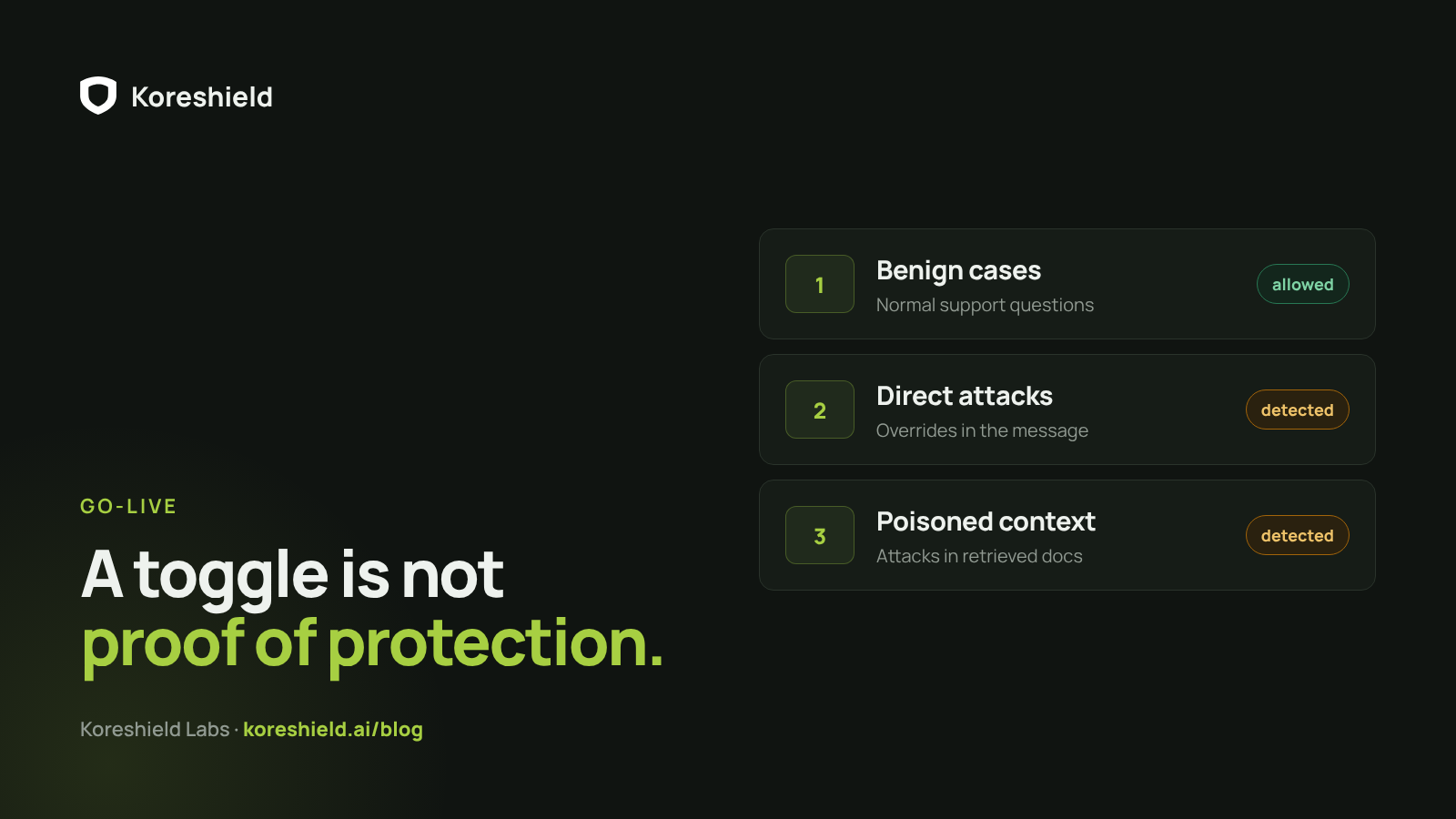
Three test sets
Proof comes from test cases, not screenshots of settings pages. Build three sets and run them through the real integration:
- Benign cases: normal support questions that should be allowed.
- Direct attack cases: instruction overrides in the customer message.
- Retrieved-context attack cases: poisoned documents the agent might retrieve.
Reading the results
If benign cases get blocked, the team is not ready to enforce. If attacks get allowed, the workflow is not protected. Both outcomes are useful, which is why this testing happens in detect mode.
Detected is not blocked
In detect mode Koreshield records risk while traffic continues. A response can report would_block as true while blocked stays false. That is by design, but it means a dashboard full of detections is not proof that anything was stopped. Read the mode before reading the numbers.
Be honest about the numbers
In the Flur Commerce case study, the workspace held 17 validation and runtime events. We do not call that 17 attacks stopped: it includes staging tests, production validation, normal allowed traffic, detections and one blocked input. Teams make enforcement decisions from these numbers, so each one should mean exactly what it says.
The go-live checklist
Before an AI support workflow goes live with Koreshield, check these nine items. None of them are about the model.
- The API key is stored server-side.
- At least one boundary is integrated.
- Detect mode has been tested with benign and adversarial cases.
- Request IDs are stored with your own trace IDs.
- Dashboard events are visible to operators.
- False positives and misses have a review path.
- Alerts are set for high and critical events, if needed.
- Enforce mode has a customer-safe fallback.
- Your application still owns authorization and execution.